VPN for Mac
Protect Safari, Mail and every other app on your Mac. The Browsec app runs natively on Apple Silicon and Intel Macs with macOS 12 or later.
The Mac app is included in Browsec Premium.
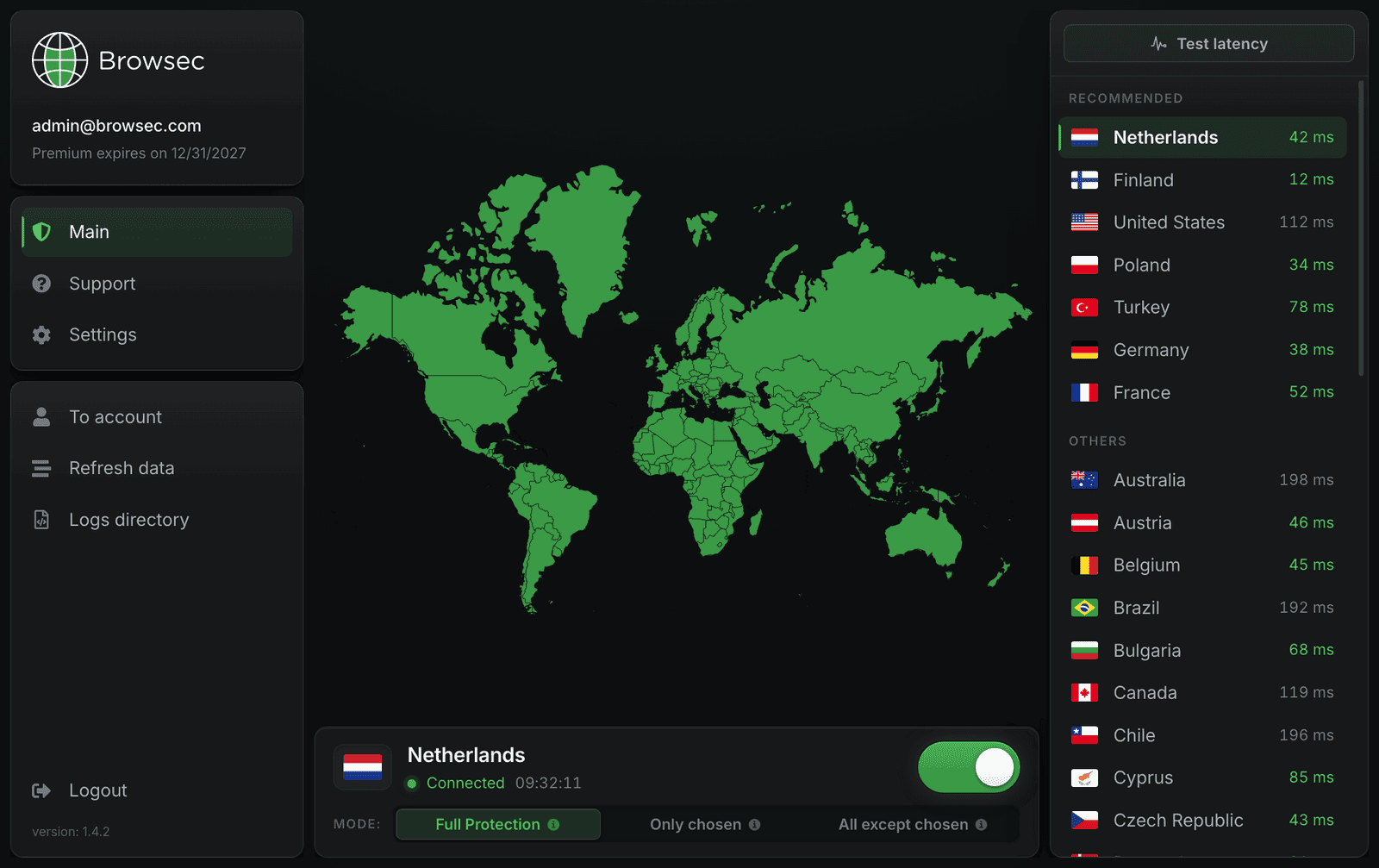
How to install Browsec VPN on a Mac
Four steps from checkout to a protected Mac:
-
01
Get Premium
The Mac app comes with Browsec Premium. Buy a plan first. The installer is free, and one plan covers up to 5 devices.
-
02
Pick the right package
Not sure which Mac you have? Open the Apple menu > About This Mac. If it says Chip Apple M…, download the Apple Silicon .pkg. If it says Processor Intel, take the Intel one. If GitHub is blocked where you are, use a mirror.
-
03
Run the installer
Open the .pkg and click through the installer. macOS may ask for your Mac password at the end. This is the standard permission for installing apps.
-
04
Sign in and connect
Open Browsec from Applications, log in with your Premium account, pick a location and click Connect.
Why use a VPN on your Mac
Safari and every other app
Your internet provider and anyone on the same network see only encrypted traffic. The app covers Safari, which has no Browsec extension, as well as Mail, Slack, Zoom, Telegram and any other app you install.
Hide your real IP
Websites see the IP address of a Browsec server instead of your home or office address. Streaming catalogs, news sites and music services open as if you were in the country you picked.
You decide what goes through the VPN
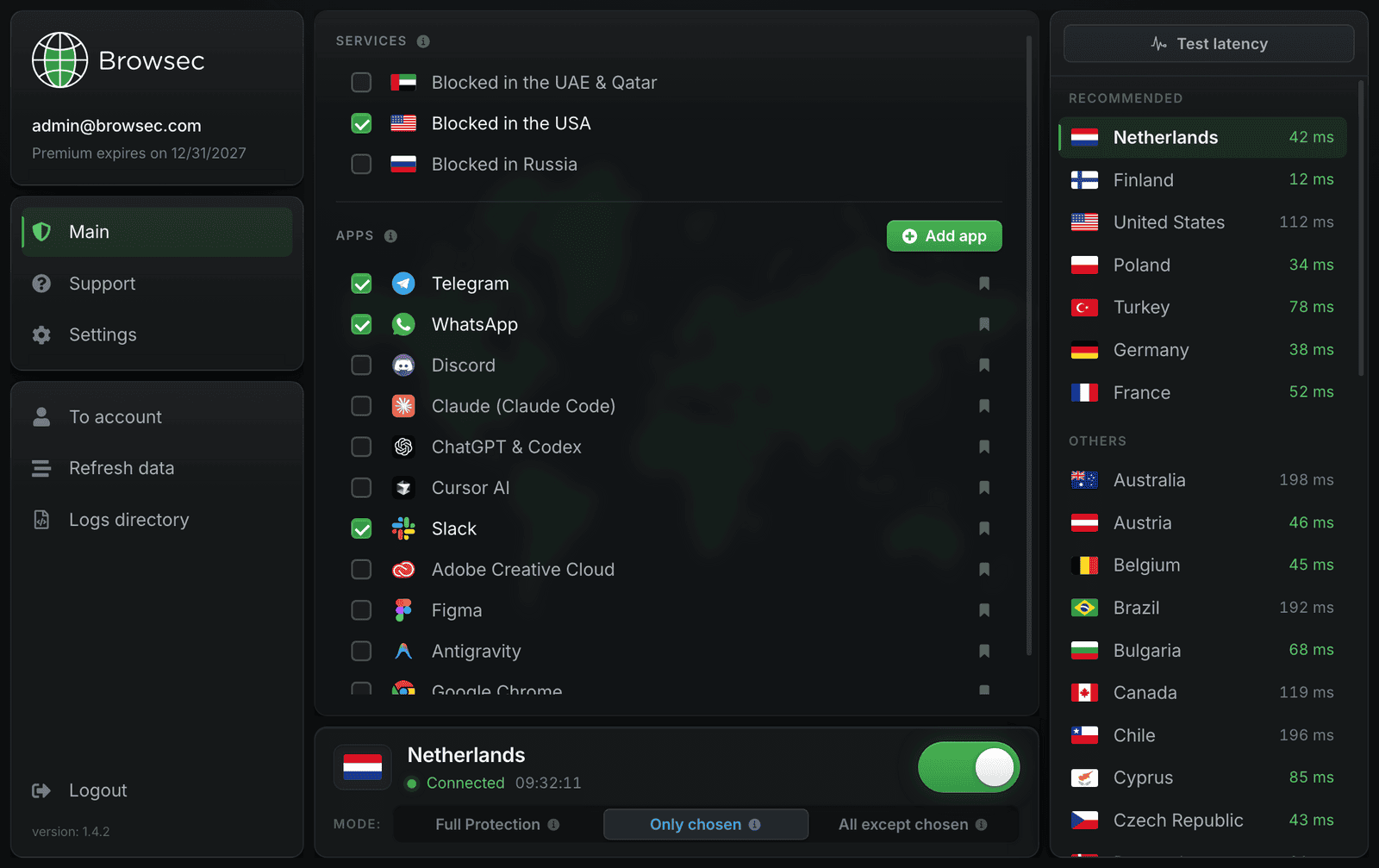
The location list shows live ping, so you can pick the fastest server. Smart Rules (split tunneling) let you send only Safari and Telegram through the VPN, or protect everything except your banking app.
Made for MacBooks on the move
Café Wi-Fi, covered
Open your MacBook on hotel, airport or coworking Wi-Fi and the whole macOS connection is encrypted. Anyone else on the hotspot sees nothing readable.
Always ready
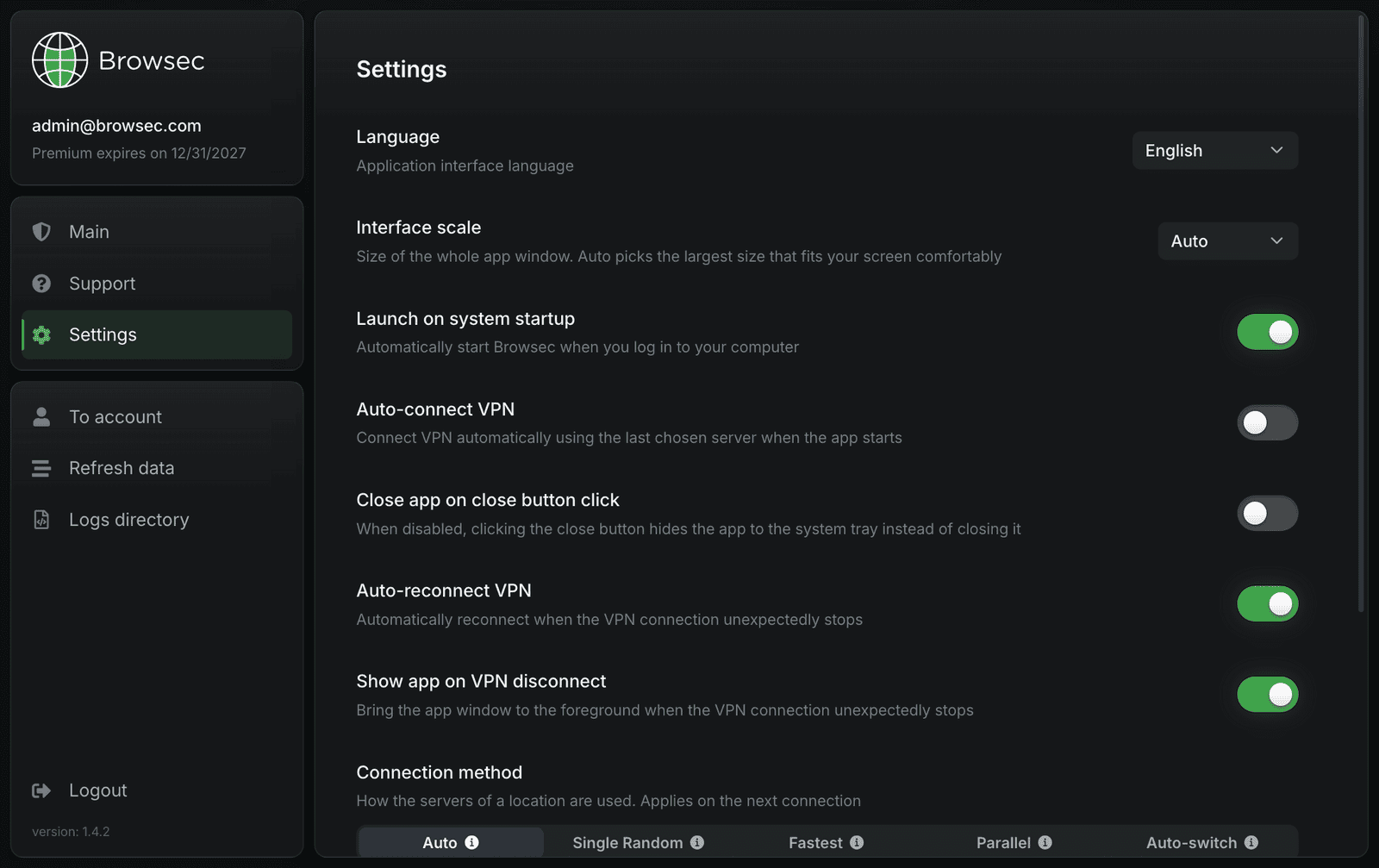
The app can start when you log in and connect to your last server before you open a browser. If the connection drops, it reconnects on its own.
Native on Apple Silicon
There's a separate build for M-series Macs, so the app runs natively instead of through Rosetta. Intel Macs get their own package.
What you get with Browsec VPN for Mac
Worldwide connection
46 server locations across Europe, the Americas, Asia, Africa and Australia, including two in the US. Switch between them in one click.
The whole Mac, not one browser
The Browsec extension protects Chrome or Firefox. The Mac app protects everything: Safari, other browsers, messengers, mail and background downloads.
Quiet in the background
Connect or disconnect with one click. The rest of the time the app runs in the background and doesn't get in the way.
Three protection modes
Full Protection sends all traffic through the VPN. Only chosen protects just the apps and sites you tick. All except chosen protects everything apart from what you exclude, such as your banking app or a video call.
What people say about Browsec
DaryedJust amazing!!! If you travel to a country with blocked apps this will be your best friend. Especially for videocalls if you are in the emirates.
Muhammad Sajjad HussainReally find a wonderful VPN app, also be a premium user, find it most suitable and user friendly in all aspects as stated in its description. Thumbs up.
Stoyan9Tried many times in diff countries, never fails
SeregaI love it. This app is the best. I downloaded approximately 14 other similar apps and none of them worked the way they supposed to. This app works perfectly awesome
Get started with Browsec VPN for Mac
7-day money-back guarantee